





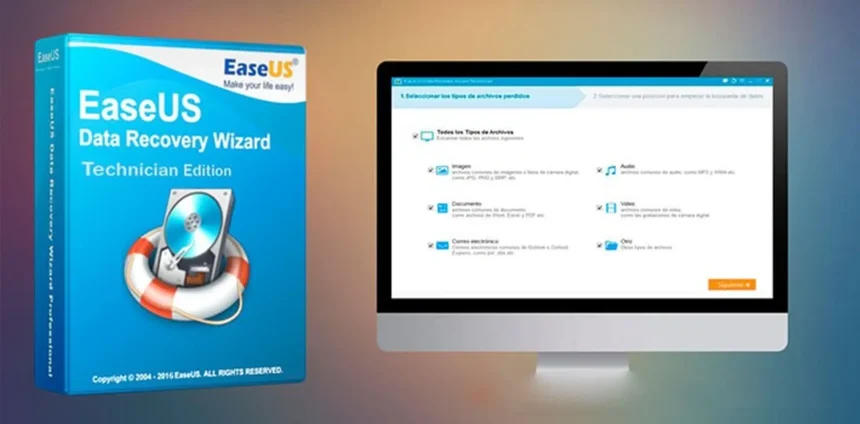
In an era where personal photos, critical work files, and high-capacity software occupy terabytes of digital space, maintaining system health is paramount. Yet, most computer users only think about disk management or data protection when an error pops up or a drive fails. That is where EASEUS comes in.
For years, EASEUS has established itself as a global leader in user-friendly software utilities designed to recover lost data, optimize storage drives, and deliver automated backups. Whether you are upgrading your desktop, managing server storage, or rescuing accidentally deleted files, the EASEUS software ecosystem provides reliable solutions built for both beginners and seasoned IT professionals.
1. Optimize Your Storage with EASEUS Partition Master
Running out of space on your main C drive is one of the most common tech headaches. Windows built-in tools often restrict how you can move or expand volume sizes without risking data loss. With EASEUS Partition Master, disk re-organization becomes effortless.
EASEUS Partition Master allows users to extend, shrink, merge, or split drive partitions visually through an intuitive drag-and-drop interface. Beyond basic resizing, EASEUS enables seamless OS migration—allowing you to transfer your entire operating system from an old hard drive to a high-speed SSD without reinstalling Windows or losing settings. From converting file formats like FAT32 to NTFS to converting MBR disks to GPT for Windows upgrades, EASEUS handles drive operations safely and quickly.
2. Rescue Lost Data with EASEUS Data Recovery Wizard
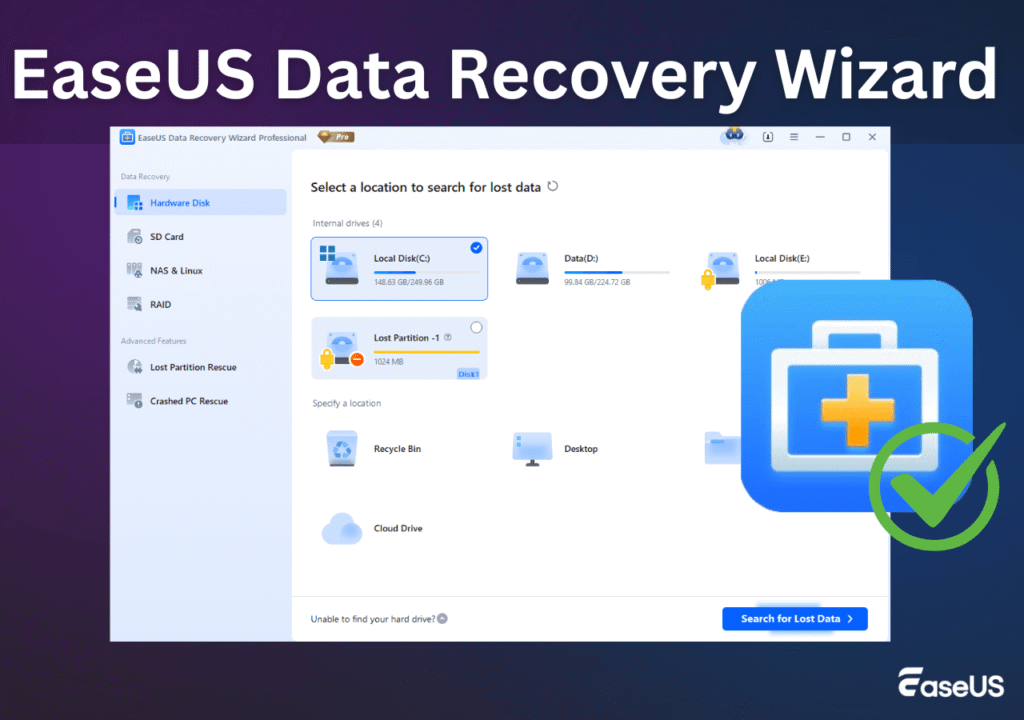
Hardware failures, formatting blunders, system crashes, and sudden power outages can instantly compromise years of work or cherished memories. When unexpected data loss occurs, EASEUS Data Recovery Wizard acts as your first line of digital defense.
Engineered to scan deep into storage sectors, EASEUS Data Recovery Wizard can locate and restore lost documents, photos, videos, and emails from HDDs, SSDs, USB drives, and SD cards. The software lets you preview recoverable files before initiating the restoration process, ensuring precision. Because EASEUS prioritizes data integrity, scan operations remain non-destructive, protecting existing storage while retrieving lost assets.
3. Automated Security with EASEUS Todo Backup
While data recovery tools are invaluable after a crisis, proactive security prevents downtime altogether. EASEUS Todo Backup delivers robust, automated backup solutions that safeguard your entire system.
With EASEUS Todo Backup, you can schedule automatic system snapshots, file-level backups, or full disk clones. If a virus infects your system or a system update corrupts your OS, EASEUS allows you to roll back your PC to a fully functional state in minutes. Integrating EASEUS backup routines into your weekly habits ensures your digital workspace stays resilient against ransomware and hardware wear.
Why Millions Choose EASEUS for Daily System Care
What sets EASEUS apart from rival utility packages is a commitment to simplicity without sacrificing power.
- Accessible Design: EASEUS replaces complex command-line prompts with clean, visual dashboards.
- Safety First: Advanced safety algorithms in EASEUS tools minimize user errors and safeguard drive partitions during live operations.
- All-in-One Utility: From partition tuning with EASEUS Partition Master to system imaging with EASEUS Todo Backup, you get end-to-end device management from a single trusted brand.
The Final Verdict
Your computer’s speed, efficiency, and safety rely heavily on how well its storage is managed. By incorporating EASEUS software into your toolkit, you eliminate the stress of lost files, sluggish drives, and complex system upgrades. Take control of your digital setup today with EASEUS—the smart, safe, and reliable choice for complete system care.